
Best WordPress Backup and Migration Plugins for Agencies in 2026

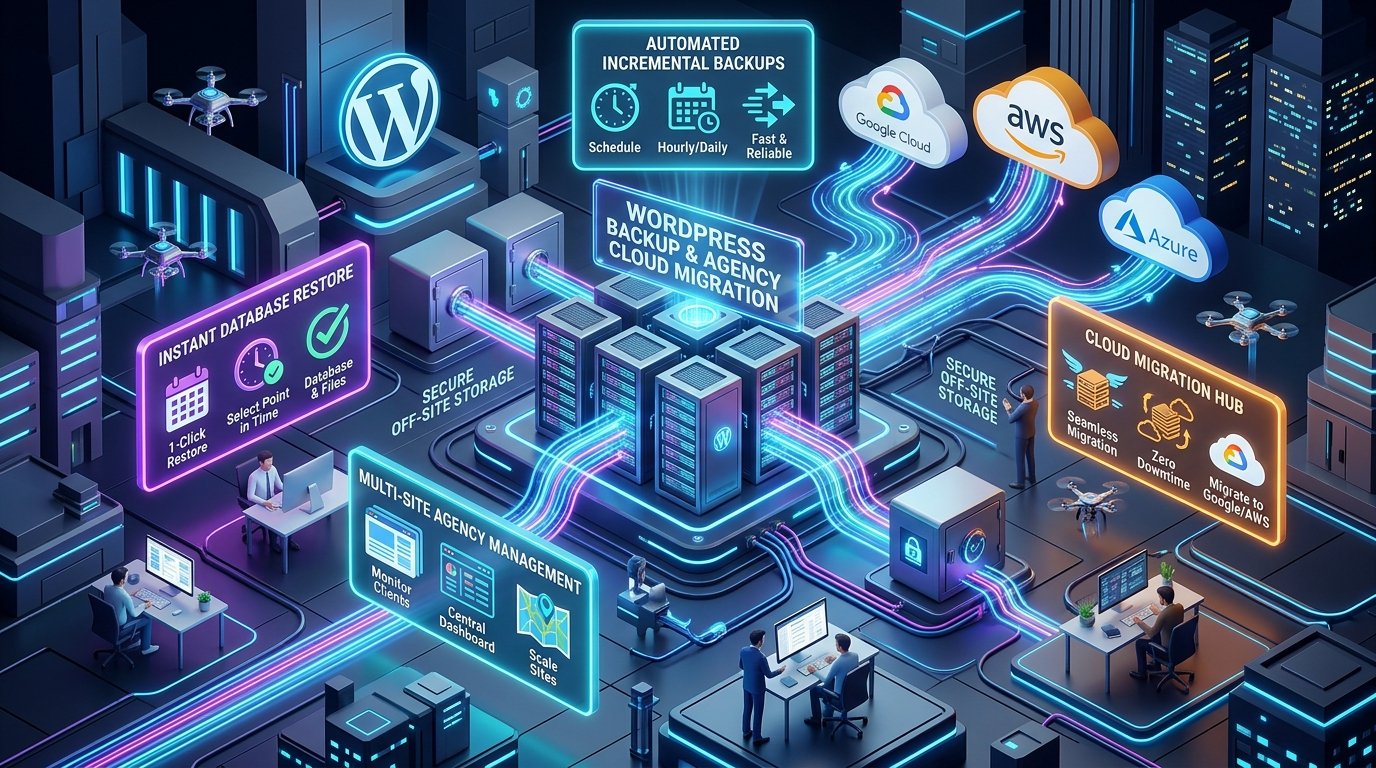
Transferring a complex WordPress website from local development to staging, or pushing a live client portal to a new production host, is one of the most high-stakes tasks a developer faces. Choosing the best wordpress migration plugins ensures you can move gigabytes of media assets, complex database tables, and serialized widgets without white screens, database corruption, or painful client downtime.
Manual migrations via FTP and phpMyAdmin are slow, error-prone, and hazardous for PHP data arrays. A single altered string length in your wp_options table can permanently break active theme layouts or widget areas. Dedicated migration tools automate database search-and-replace, chunk large file uploads to circumvent web server upload limits, and package your entire site into an encrypted, portable container.
In this comprehensive guide, we compare the leading agency-grade backup and migration plugins in our WordPress plugins catalog, outline a battle-tested pre-migration checklist, and explain how to execute zero-downtime transfers for clients.
Key Takeaways
- Bypassing Server Upload Limits: Enterprise tools like All-in-One WP Migration Pro bypass strict host
upload_max_filesizelimits by chunking data during import. - Serialized Data Safety: Never run raw SQL string replacements on WordPress databases; dedicated migration plugins recalculate PHP serialized string lengths automatically.
- Multi-Client Economics: Agency developer licenses for proprietary migration tools cost upwards of $300 annually. Through a GPL Download membership, agencies obtain unlimited client deployment rights for zero extra seat fees.
- 3-2-1 Backup Rule: Always keep three copies of your site, across two different storage media, with at least one offsite cloud copy (Google Drive, AWS S3, or Dropbox).
- Zero-Downtime Workflows: Staging migrations must follow an orderly DNS TTL lowering protocol to eliminate lost user orders and shopping cart updates.
In this article
- What Makes an Agency-Grade Migration Plugin?
- The Serialized Data Problem Explained
- Top WordPress Migration & Backup Plugins Reviewed
- Side-by-Side Feature Comparison Table
- The 5-Step Zero-Downtime Agency Migration Protocol
- Offsite Cloud Storage & Disaster Recovery
- Troubleshooting Common Migration Hang-Ups & Timeouts
- FAQ: Best WordPress Migration Plugins
- Secure Your Agency Workflow Today
What Makes an Agency-Grade Migration Plugin?
The best wordpress migration plugins are specialized software packages designed to clone, serialize, transfer, and unpack an entire WordPress installation (core files, themes, plugins, uploads, and database) from one server environment to another. Unlike consumer backup plugins that merely download a zip file to your desktop, professional migration tools automate domain name replacement, preserve database relationships, and restore your site with a single click.
For freelance developers and digital agencies handling multiple client handovers every month, migration plugins serve three critical functions: launching staging builds to live client domains, cloning template starter sites, and securing automated daily offsite disaster recovery backups.
The Serialized Data Problem Explained
Why can’t you simply export a .sql file, run a “find and replace” in a text editor to swap staging.client.com for client.com, and import it into your live database? The answer lies in how WordPress stores complex theme settings and page builder layouts: PHP serialization.
When themes and plugins store arrays or objects in the wp_options or wp_postmeta tables, PHP serializes the data into a string format that includes the exact character count of every value. For example:
s:22:”http://staging.dev.com”;
If you replace http://staging.dev.com (22 characters) with https://mybrand.com (21 characters) using standard MySQL REPLACE() or Notepad, the string length counter remains 22 while the actual string contains 21 characters. When WordPress attempts to read the array, PHP detects a syntax corruption and discards the entire option. The result? Broken navigation menus, lost Elementor widgets, reset theme customizer options, and missing checkout configurations.
**Note:** The best migration plugins unpack serialized objects in memory, replace the domain strings, accurately recalculate character lengths, and re-serialize the data before committing changes to MySQL.
Top WordPress Migration & Backup Plugins Reviewed
Here are the premier migration solutions evaluated for speed, large database handling, and agency reliability.
1. All-in-One WP Migration Pro
The All-in-One WP Migration Pro extension is the indisputable benchmark for frictionless WordPress migrations. What makes this plugin uniquely powerful is its custom chunked export and import engine. Rather than relying on traditional ZIP archives that trigger shared hosting execution timeouts, it uses a proprietary .wpress archive format that unpacks in small micro-chunks.
- Zero Upload Limits: The Unlimited extension eliminates the default shared hosting upload cap (often 2MB to 64MB), allowing you to import massive multi-gigabyte stores effortlessly.
- Granular Exclusion Filters: Exclude spam comments, post revisions, cache folders, and non-essential media files to produce lightweight migration packages.
- Automated Find-and-Replace: Update domain URLs, database table prefixes, and file directory paths automatically during the export process.
- Zero Dependencies: Functions independently without requiring specific PHP extensions (like ZipArchive or cURL) that shared hosts frequently disable.
2. Duplicator Pro
Duplicator Pro is the favorite tool among seasoned systems administrators. Instead of requiring you to install WordPress on the target server first, Duplicator generates two files: an encrypted archive.zip and a standalone installer.php script.
- Empty Directory Deployment: Upload the installer and archive into an empty web root directory, run the installer wizard in your browser, and Duplicator provisions the entire WordPress core, database, and settings from scratch.
- Multisite Subsite Extraction: Convert an entire WordPress Multisite network subsite into a standalone single-site installation with zero data loss.
- Server Pre-Flight Validation: Audits PHP memory limits, database collations, and file permissions prior to migration to flag potential bottlenecks before they cause downtime.
3. UpdraftPlus Premium
With over 3 million active installations worldwide, UpdraftPlus is primarily celebrated as an automated backup workhorse, but its Premium Migrator component makes it a formidable migration utility.
- Direct Site-to-Site Sync: Send backup files directly from your staging server to your production server via an encrypted REST token without downloading anything to your local computer.
- Independent Component Restoration: Restore or migrate specific parts of your site independently (for example, migrating only
wp-content/uploadsor only your database). - Scheduled Incremental Backups: Schedule incremental file backups that backup only files that have changed since the last snapshot, saving server bandwidth and cloud storage.
4. WP Migrate DB Pro (by Delicious Brains)
If you are a developer who works with Git-controlled codebases where code is deployed via repositories, you rarely need to migrate core WordPress files. WP Migrate DB Pro excels at migrating databases and media libraries between local dev environments and live servers.
- Push and Pull Workflows: Push your local database straight to staging, or pull the latest live production database down to your local machine with a single click.
- Smart Post Type Filtering: Exclude specific custom post types, WooCommerce transient logs, or customer session data when pulling databases for testing.
- Command Line (CLI) Support: Automate database migrations inside CI/CD deployment pipelines using WP-CLI commands.
Side-by-Side Feature Comparison Table
| Plugin Name | Archive Format | Large File Chunking | Multisite Support | Cloud Storage Sync | License Model |
|---|---|---|---|---|---|
| All-in-One WP Migration Pro | Custom .wpress (fast) | Yes (No server limits) | Yes (Multisite Addon) | Drive / Dropbox / S3 | GPL Unlimited Sites |
| Duplicator Pro | Standard ZIP / DAF | Yes (Multi-threaded) | Yes (Subsite export) | OneDrive / S3 / SFTP | GPL / Commercial |
| UpdraftPlus Premium | Segmented ZIPs | Yes (Time-slice) | Yes (Network-wide) | 16+ Cloud Destinations | GPL / Tiered |
| WP Migrate DB Pro | Direct MySQL Push/Pull | Yes (Batch streaming) | Yes (Database only) | Direct API endpoint | Commercial per seat |
The 5-Step Zero-Downtime Agency Migration Protocol
When migrating high-traffic e-commerce stores, live member portals, or busy content sites, follow this orderly 5-step operational protocol to guarantee zero dropped transactions and zero downtime:
Step 1: Lower DNS TTL (Time To Live) 48 Hours Ahead
Standard DNS records have a TTL of 24 to 48 hours (86,400 seconds). Two days before migration, lower your A Record TTL to 300 seconds (5 minutes). This ensures that when you point your domain to the new server IP, internet traffic switches almost instantaneously across global ISPs.
Step 2: Clean the Database and Purge Transients
Never migrate unnecessary digital clutter. Clear out expired WooCommerce sessions, spam comments, and transients. If you have active cart recovery workflows like WooCommerce abandoned cart plugins, ensure recent cart tokens are backed up and customer logs are intact.
Step 3: Generate the Master Archive
Using All-in-One WP Migration Pro, generate your complete archive file. Download a copy to your local drive and verify the file size. For high-volume WooCommerce stores, put the site into Maintenance Mode for 10 minutes during the final database snapshot to prevent orders from occurring mid-export.
Step 4: Restore on Destination Server and Run Serialization Validation
Import your package onto the new web host. Verify that permalinks are flushed (go to Settings ➔ Permalinks and click Save Changes twice). Check that your W3 Total Cache Pro configurations, custom fonts, and Elementor CSS files are regenerated.
Step 5: Point DNS and Test SSL Handshake
Update your domain’s DNS A Record to the new host IP. Verify the SSL certificate generation immediately. Run test checkout orders, test form submissions, and check admin columns using Admin Columns Pro to ensure client management workflows operate smoothly.
Offsite Cloud Storage & Disaster Recovery
Storing website backups exclusively on the same web server hosting your site is an invitation to disaster. If the server suffers hardware failure, filesystem corruption, or malware contamination, both your live site and your backups are lost simultaneously.
Always implement automated offsite mirroring. The extensions in our All-Access Membership support scheduled exports directly to:
- Google Drive & Dropbox: Ideal for smaller freelance projects and low-maintenance brochure sites.
- Amazon S3 & Wasabi: Cost-effective object storage (often under $6 per terabyte per month) suited for storing rolling 30-day backups for high-volume stores.
- SFTP & Custom Offsite Servers: For enterprise compliance where data must remain on dedicated company servers.
Troubleshooting Common Migration Hang-Ups & Timeouts
If an import process stalls at 99% or throws a gateway error, apply these proven adjustments:
- Increase PHP Execution Limits: Update your
wp-config.phpor.htaccessto setmax_execution_time 300andmemory_limit 512M. - Disable Aggressive Web Application Firewalls (WAF): Security plugins or Cloudflare rules occasionally mistake thousands of rapid file uploads for a DDoS attack. Temporarily pause your WAF during the import.
- Check Directory Permissions: Ensure your
wp-content,wp-content/uploads, andwp-content/pluginsfolders are set to permission755, and files to644. - Bypass Incompatible Caching: Clear all server-level Varnish or LiteSpeed caches before testing your migrated website.
FAQ: Best WordPress Migration Plugins
Can I migrate a WordPress site from localhost to a live server?
Yes. Plugins like All-in-One WP Migration and Duplicator are designed specifically to package localhost environments (like Local, XAMPP, or MAMP) and import them seamlessly onto live production servers while updating all internal URLs.
Will migrating my site affect my Google search rankings?
If you maintain the exact same domain name and URL permalink structure, a migration will not hurt your SEO rankings. In fact, if you migrate to a faster server, your Core Web Vitals will improve, positively influencing your organic positions.
What is the difference between a backup plugin and a migration plugin?
A backup plugin creates static snapshots for disaster recovery on the same domain. A migration plugin includes specialized search-and-replace engines that rewrite domain URLs, file paths, and serialized PHP data to allow restoration on a different domain or server.
Are GPL migration plugins safe for client websites?
Yes. All software on GPL Download is 100% genuine, untouched GPL-licensed code sourced directly from developers and audited through multi-engine malware scans. You can deploy our tools across unlimited client websites without restrictions. Read our Why GPL Download platform overview and GPL marketplace guide for full details.
Secure Your Agency Workflow Today
A reliable migration and backup pipeline is the insurance policy every agency needs. By combining All-in-One WP Migration Pro with structured staging workflows, you can deliver client projects faster, eliminate manual transfer headaches, and guarantee seamless zero-downtime launches.
Equip Your Agency with 25,000+ Premium WordPress Tools
Eliminate expensive per-site plugin licenses. Join 45,000+ developers with unlimited site freedom, clean verified downloads, and an unconditional 7-day money-back guarantee.
Related Reading: Top WooCommerce Cart Recovery Plugins · Why GPL Download Platform Standards · 11 Best GPL Sites for WordPress
Tags: WordPress Migration, Agency Tools, Website Backups, WordPress Plugins
